Onboarding
Register, verify email, configure the first outlet, and prepare your first sale.
Before you begin
Use a business email that you control. You can browse while email verification is pending, but Bakasir blocks data-changing operations until verification is complete.
Create the Owner account
Open the Bakasir registration page, enter the business and Owner details, pick a plan if the signup link has not already chosen one, then set a strong password or continue with Google. Signing up never requires payment: a plan with a trial starts immediately, and any other plan opens an invoice you can settle from the portal. Complete the guided setup and open the Tenant Portal. The Owner controls billing, staff access, plugins, and destructive settings.
Verify your email
Open the verification message and follow its link. Return to the portal and refresh verification status in the reminder dialog. If the link expired, request a new one there. An authorized Super Admin can verify an Owner manually after independently confirming control of the address; do not share a password or PIN as proof.
Configure Business and System
Go to Settings → Business to check business identity, address, outlet name, Store URL, and opening/closing hours. Go to Settings → System to set timezone, currency, language, rounding, costing, and default opening balance. Times throughout sales and reports follow the System timezone, not the device clock setting.
Add products and opening stock
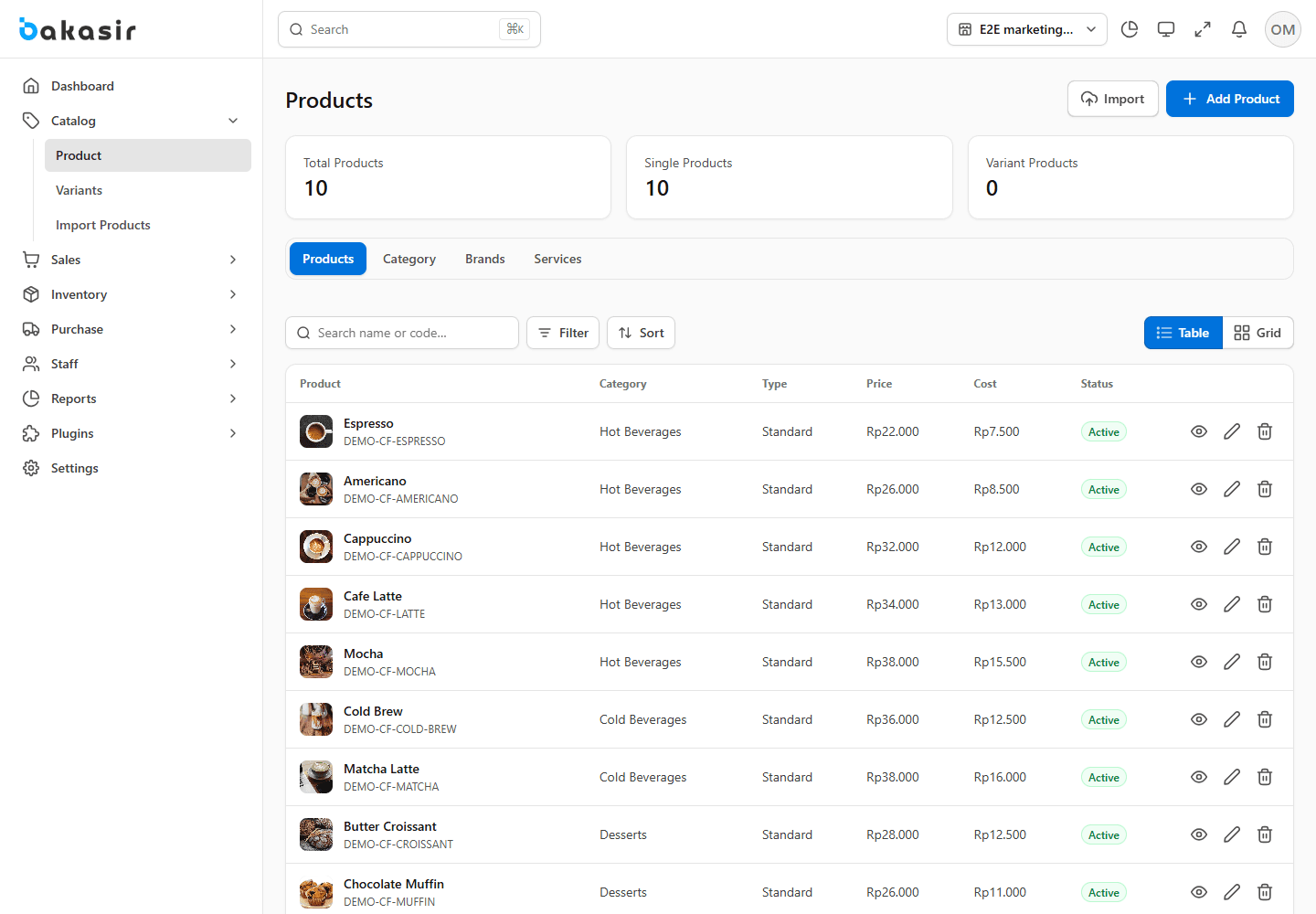
In Catalog → Products, choose Add Product. Set type, name, SKU/code, category, unit, price, tax, and stock behavior. For physical items, enter stock for the right outlet; batch/expiry products need usable lots. You may import Demo Data from the bottom of Settings → System, but only on a test tenant. Demo data can be removed separately in Settings → Backup.
Open the register and test a sale
Go to Sales → POS, pair the device if prompted, enter the counted opening cash, and open the register. Choose an item, review totals and taxes, select the payment tender, then pay and inspect the receipt. A register belongs to its cashier and terminal; another cashier must not take over an open session.
Start with the default outlet. Assign its cashier and base terminal in Business Settings before enabling scheduled register automation.