Catalog
Products, services, variants, categories, prices, tax, and import.
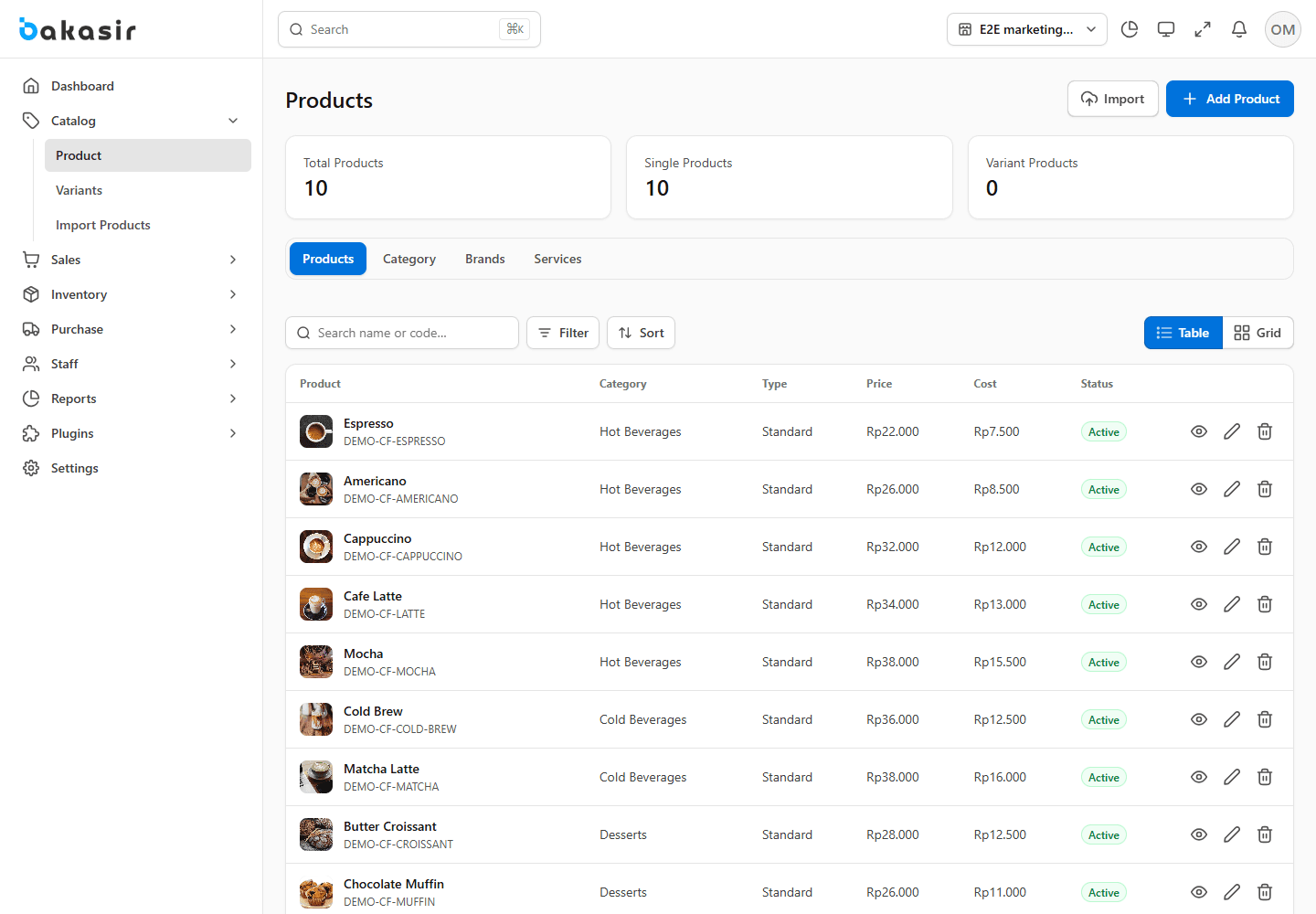
Go to Catalog → Products to search, sort, filter, create, edit, or archive your sellable items. Select Save & Exit to return to the list or Save & Add More for a second item. Verify the active outlet before editing stock.
Create the right item
- Select Standard for a physical item, Variant for combinations, Service for work without stock, or Digital for non-physical goods.
- Enter a name, unique code/SKU, category, unit, optional brand, description, images, cost, selling price, tax setting, and publication options.
- For physical items, configure inventory tracking and opening quantity. Use appropriate lots for batch/expiry-controlled stock. Digital and service items do not consume physical stock.
- Review quantity price tiers if enabled. A manual POS price override has priority over automated pricing; promotions and quantity tiers follow their configured rules.
Attribute-based variants
Open Catalog → Variants and create master attributes such as Color = Red, Blue and Size = S, M, L. In the Variant product form, assign attributes, generate combinations, then set each combination's code, cost, price, wholesale price, and stock. Only valid selected combinations can be sold. A product's displayed total stock aggregates its variant balances; each option has its own availability.
Categories, units, and bulk import
Categories and units are core reference data, not removable demo data. Use the category/brand controls in the product editor where available. To import many products, open Catalog → Import Products, download the sample, map columns, preview errors, then commit the import. Correct duplicate codes or invalid units before retrying; do not import the same file repeatedly without checking the result.
Images and stock are separate
Uploading an image does not add stock. A physical item with a visible balance can still fail checkout if all usable batches are expired or missing.